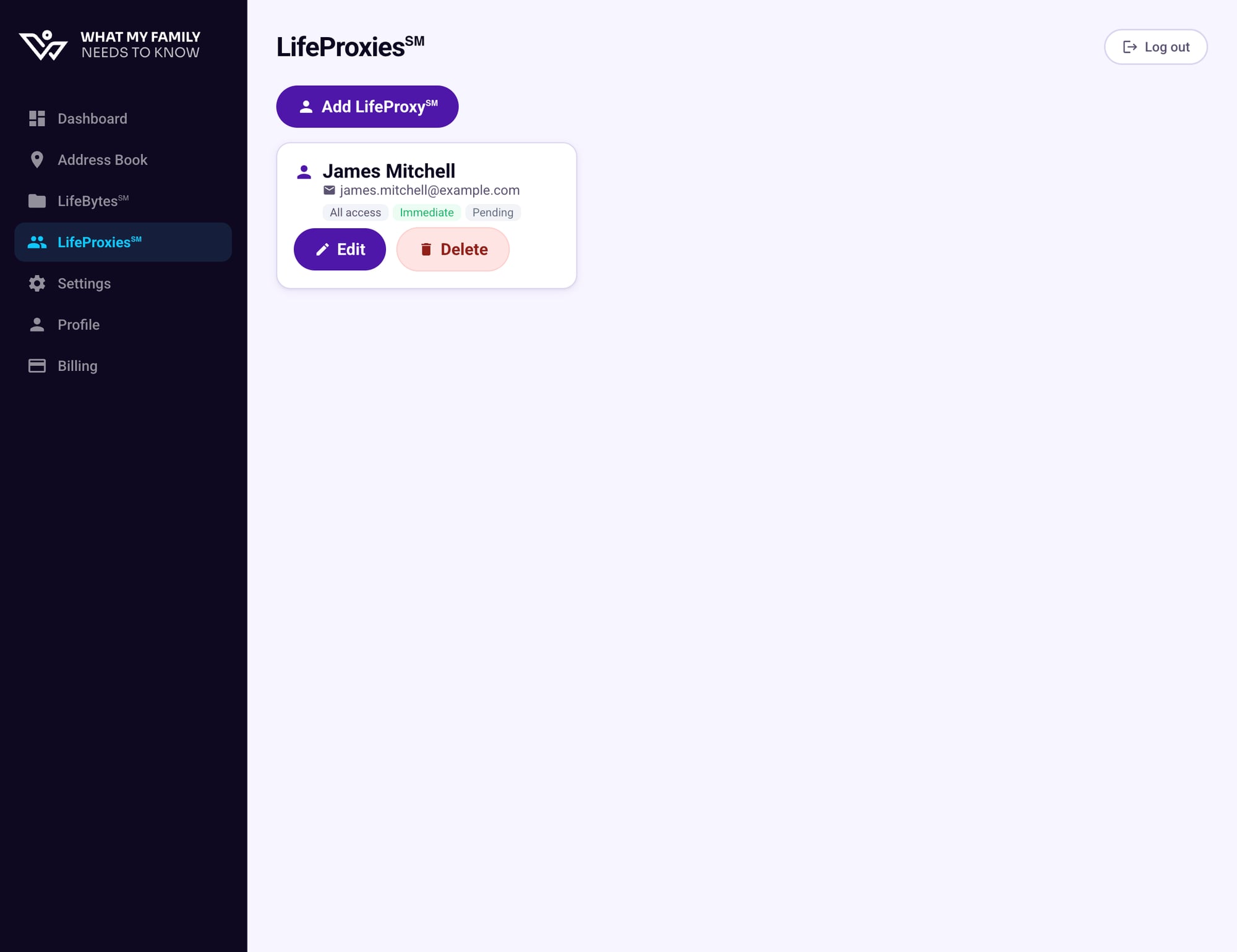
Go to LifeProxies℠ in the sidebar
From your Dashboard, click LifeProxies℠ in the left navigation. Any existing LifeProxies are listed here.
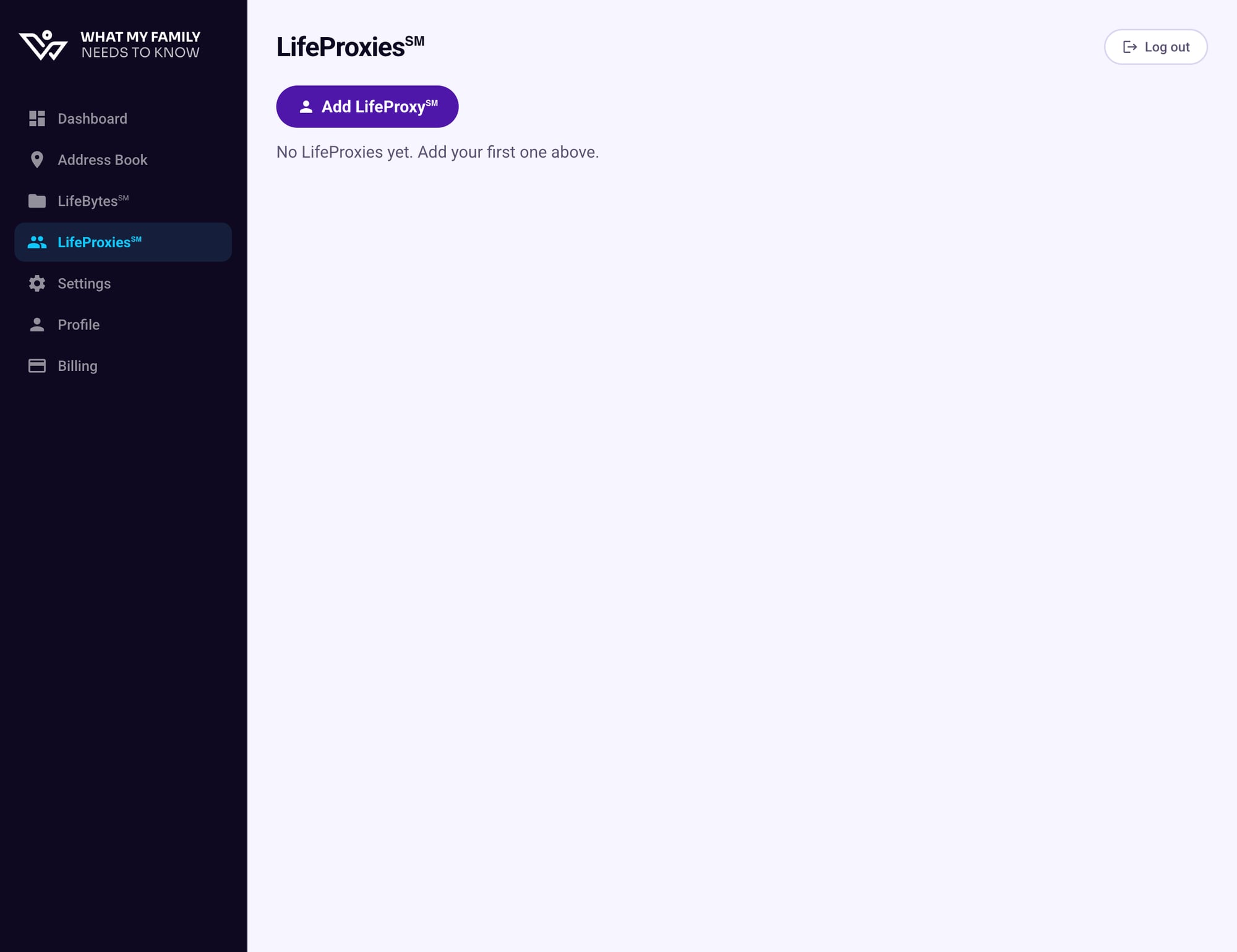
Click "+ Add LifeProxy℠"
Click the purple Add LifeProxy℠ button. An invitation form will appear.
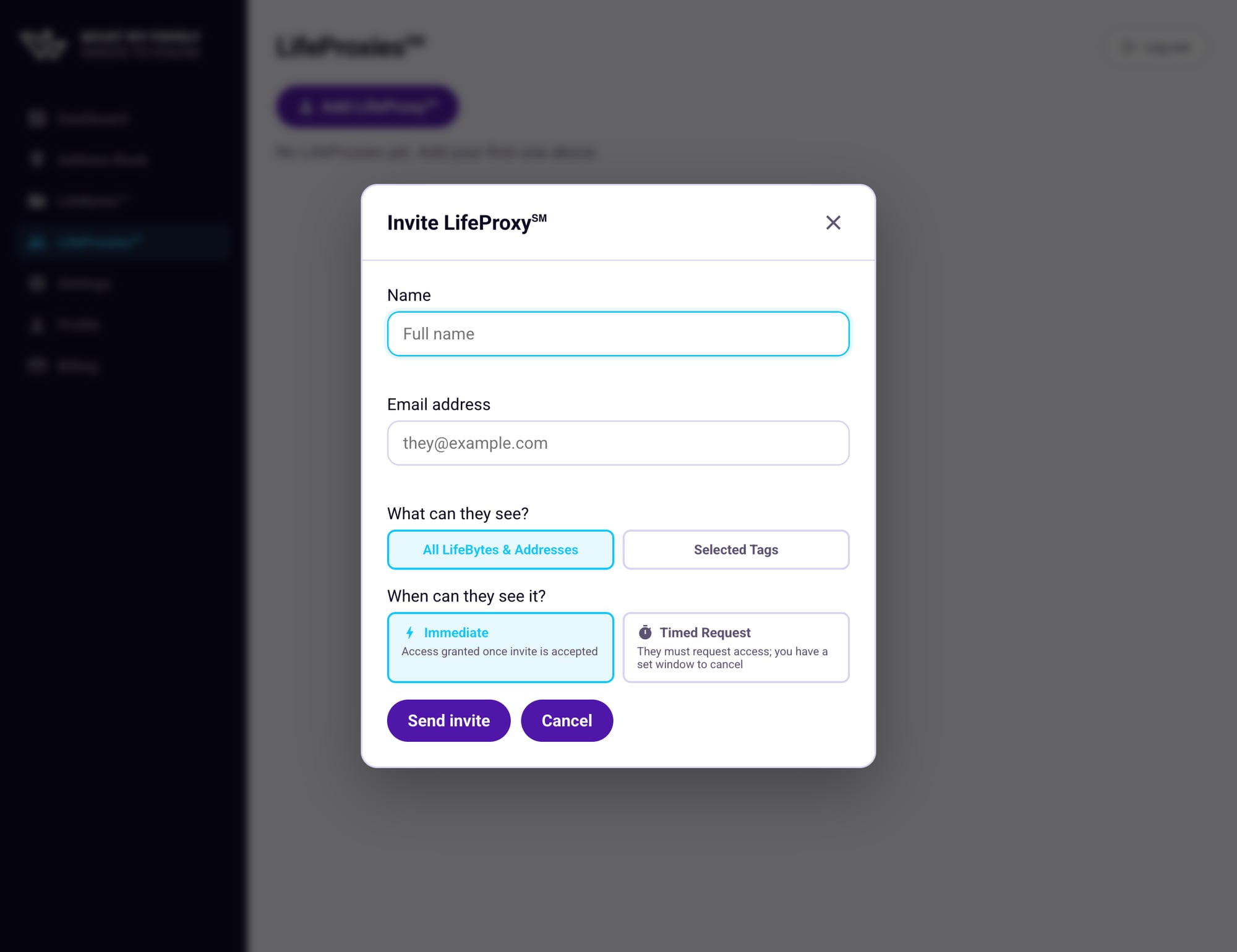
Fill in the details
Enter the name and email address of the person you want to invite, then choose their access settings:
- Name — Their full name, so you can identify them easily
- Email address — Where the invitation will be sent
- What can they see? — Choose between all your LifeBytes or only specific tagged categories
- When can they see it? — Choose Immediate or Timed Request access
All LifeBytes & Addresses
Your proxy can see everything — all LifeBytes and your Address Book.
Selected Tags
Limit access to only LifeBytes with specific tags, e.g. "legal" or "financial".
Immediate
Access is granted as soon as they accept the invite. No further steps required.
Timed Request
They must request access each time. You have a set window to cancel before it's granted.
Review and send the invite
Double-check the name and email, then click Send invite. An email will be sent to your LifeProxy immediately.
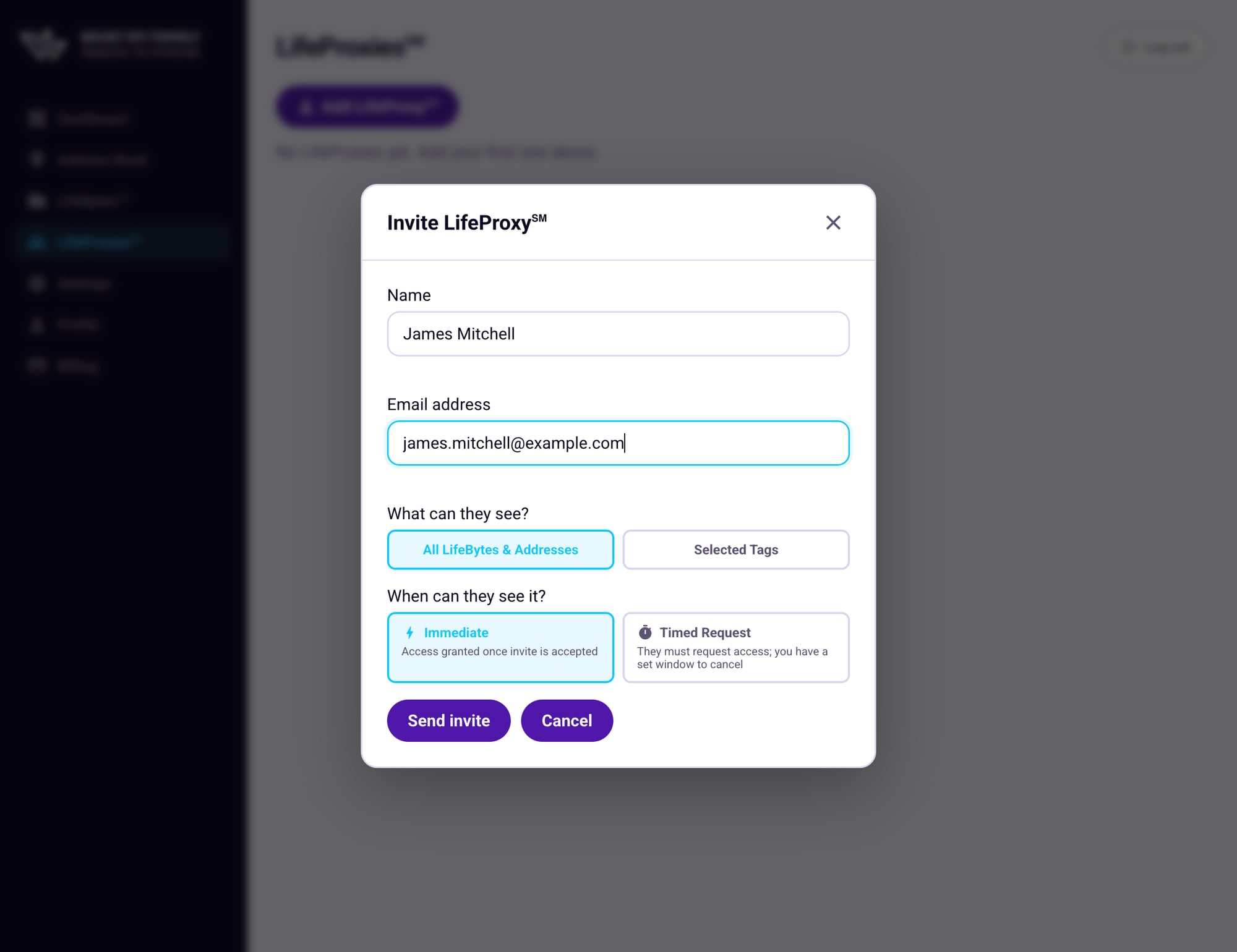
Your LifeProxy appears as "Pending"
After sending, your new LifeProxy will appear in the list with a Pending status. This means the invitation has been sent but they haven't accepted it yet. Once they click the link in their email and create an account, the status will update to Active.